Changing Payment Details
What you need to do to fill in your payment information so that we can pay you the commission for the work you have completed.
1.
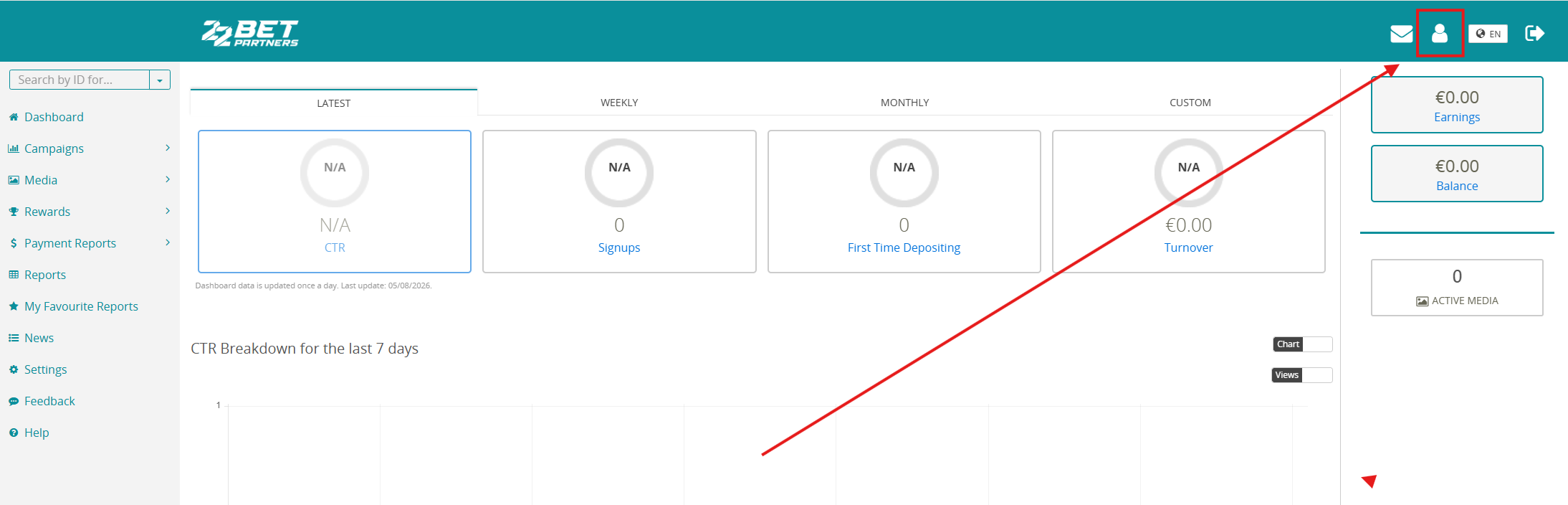
Click the person icon in the top-right corner.
2.
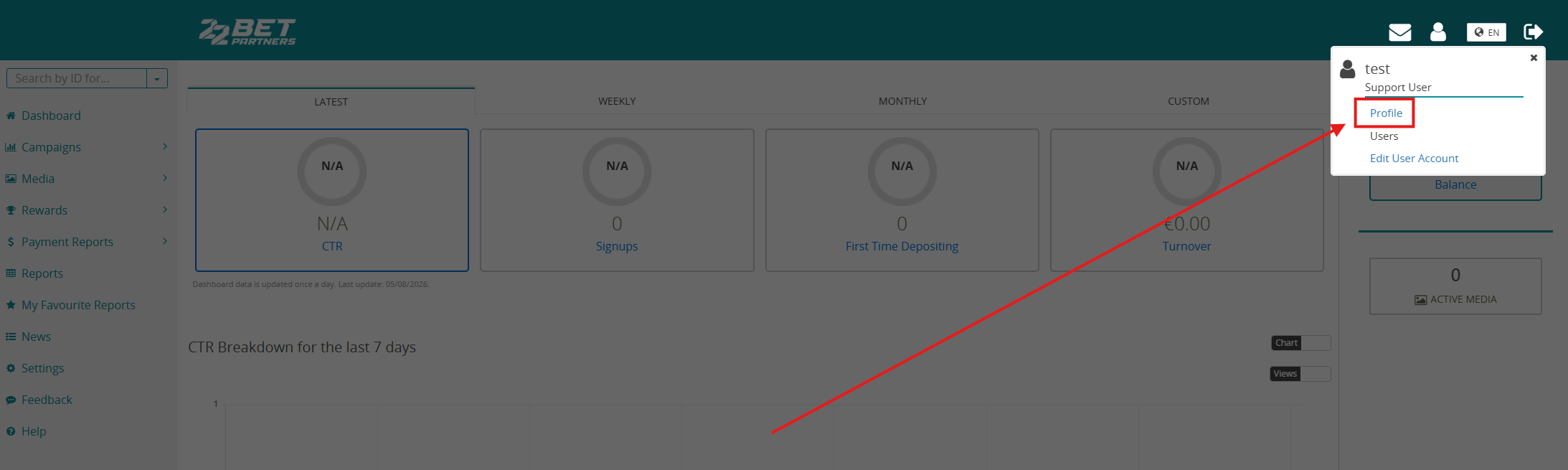
In the pop-up window, click Profile.
3.
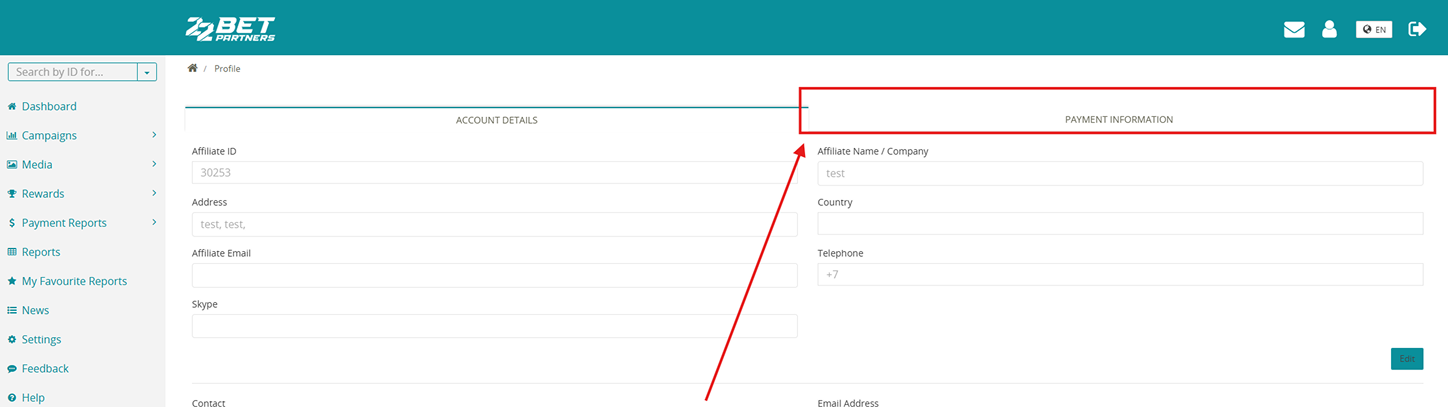
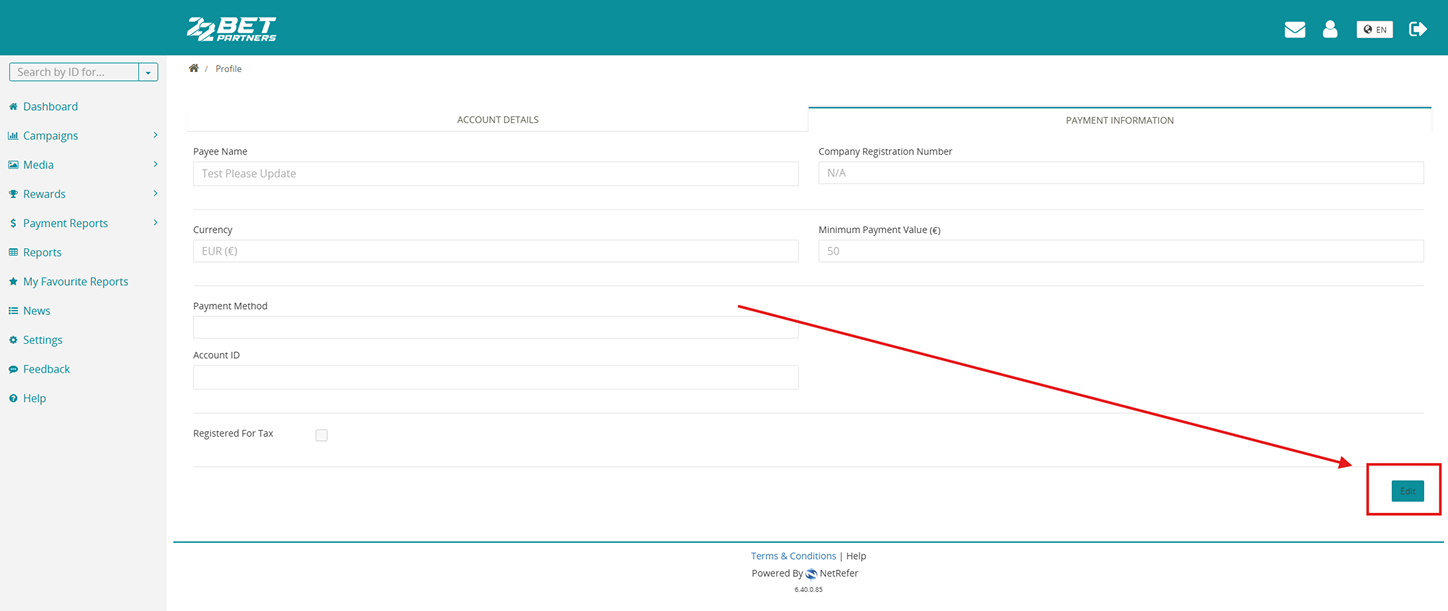
Go to the Payment Information tab on the right side of the table.
4.
Click Edit in the bottom-right corner.
5.
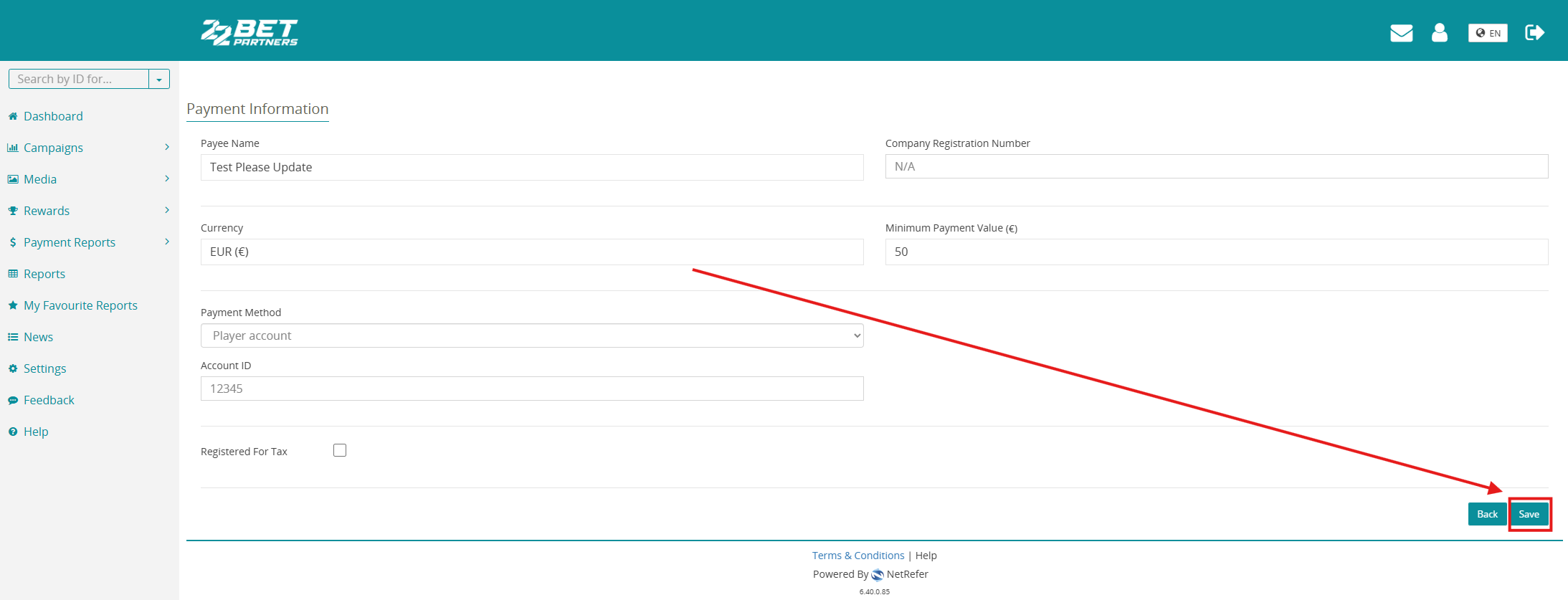
Fill in the required details, select your Payment Method, enter the recipient’s name (Payee Name) and any other required information, then click Save.